

Special outputs - RGB driver
The RGB driver in unicontrol operates as an independent routine,
serving as a controller for standard RGB or RGBW LED strips with various built-in color programs.
Each instance of unicontrol has two independent RGB driver modules to control two independent RGB or RGBW LED strips.
The driver outputs a signal to the selected GPIO pins continuously, as long as at least one channel (Red, Green, or Blue) is assigned to a
GPIO in the Peripheral menu.
Once set, the corresponding RGB driver module's program playback begins.
3.3V and 12-40mA power rating, the ESP32-S3 or ESP8266 GPIO pins cannot power any LED strip directly.
These pins must be used to drive the Base or Gate of a logic-level, N-channel transistor or MOSFET (e.g., IRLZ44N).
The LED strip needs its own power supply with compatible voltage and maximum current ratings.
The RGB driver module can be controlled in several ways:
- Manually, via the user interface's edit menu,
- Automatically or remotely, via process output, or
- Remotely, via built-in HTTP API and MQTT API.
Furthermore, control can be exerted:
- Directly, by accessing the driver's Active parameters, or
- Indirectly, by storing the Process parameters and controlling the underlying process.
- Active parameters - The set of RGB driver variable parameters currently being displayed as the output on the LED strip. (see Mode, Color, Speed, and Brightness)
- Process parameters - The sets of RGB driver variable parameters stored for later use. They are transferred to the Active parameters once the given process is invoked. (see Mode, Color, Speed, and Brightness)
Parameters
Each RGB driver program consists of four variable and one global constant parameter:
- Mode - The primary parameter that selects the program.
- Color - An auxiliary parameter that defines the rendered Color, if applicable.
- Speed - An auxiliary parameter that defines the animation Speed, if applicable.
- Brightness - An auxiliary modifier reducing the overall Brightness, if needed.
- Gamma* - A global Gamma correction constant to make the output power progression appear linear.
| Variable | Active parameter | Process parameter* |
|---|---|---|
| Mode | rgbmod1 / rgbmod2 | outrgbmod |
| Color | rgbcolor1 / rgbcolor2 | outcolor |
| Speed | rgbspd1 / rgbspd2 | outval1 |
| Brightness | rgbbrt1 / rgbbrt2 | outval2 |
| Gamma | rgbgamma1 / rgbgamma2 | - |
| Process ID | Does not apply | Applies |
Mode
The current RGB driver supports multiple built-in program Modes that can be rendered by the attached LED strip. The tables below provide a detailed description of each mode and summarize the relevance of the auxiliary Color, Speed, and Brightness parameters:
| Showcase | [VALUE] | Mode | Description |
|---|---|---|---|
 | 0 | Off | All channels off. |
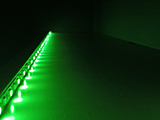 | 1 | Static color | Displays a predefined static color until changed. |
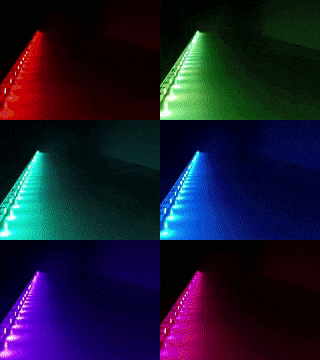 | 2 | Rainbow | Loops through all rainbow colors for a predefined duration of a single loop. |
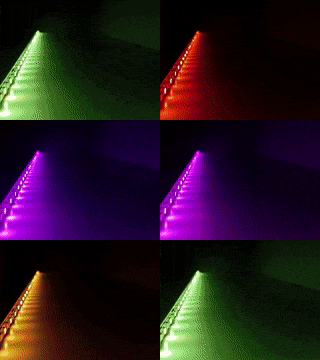 | 3 | Warm Rainbow | Loops through warm colors (red channel always on) for a predefined duration of a single loop. |
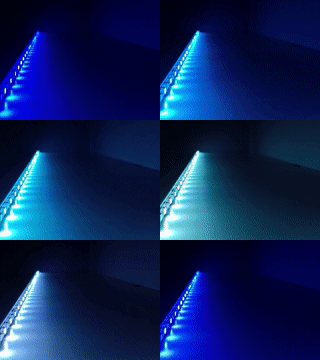 | 4 | Cool Rainbow | Loops through cool colors (blue channel always on) for a predefined duration of a single loop. |
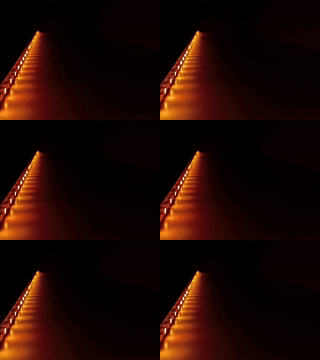 | 5 | Candlelight | Simulates the flickering of a common candle with predetermined color and flicker speed. |
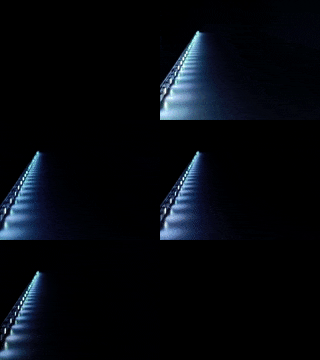 | 6 | Thunderstorm | Simulates natural lightning flashes with predetermined color and pauses between lightning clusters. |
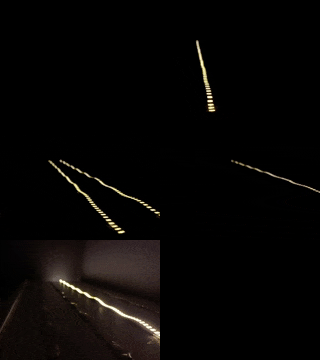 | 21 | Thunderstorm (4s) | Simulates natural lightning flashes on four independent channels with predetermined pauses between lightning clusters. |
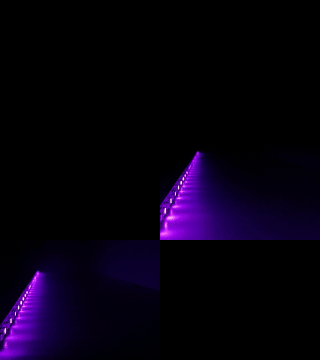 | 7 | Strobe | Flashes rapidly with predetermined color and short pauses between individual flashes. |
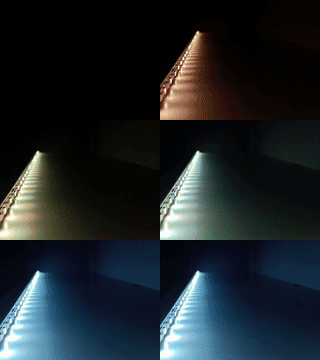 | 8 | Sunrise | Simulates a natural Sunrise/Sunset with a color and brightness progression, running for a predetermined time. Sunrise ends with full brightness on all channels, while Sunset ends with all channels turned off. |
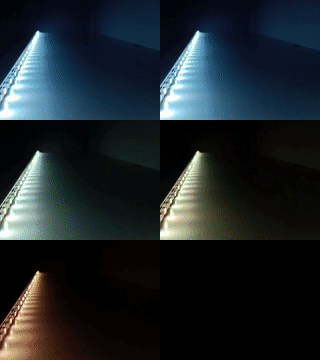 | 9 | Sunset | |
| see description | 31 | Breathing color (1.17) | Fades the selected color in and out for a calming breathing effect. |
10 | Random colors 1 (1.17) | Loops and transitions between randomly selected colors in predefined time intervals. (Introduced in version 1.17) | |
11 | Random colors 2 (1.17) | Loops between randomly selected colors in predefined time intervals, divided by a 4-second fade-out/fade-in transition. (Introduced in version 1.17) | |
12 | Random colors 3 (1.17) | Loops between randomly selected colors in predefined time intervals. Each color is gradually faded in and faded back out for the entire duration of the loop. (Introduced in version 1.17) | |
13 | Random colors 4 (1.17) | Loops between randomly selected colors in predefined time intervals. Each color fades quickly in at the beginning and gradually fades out for the remainder of the loop. (Introduced in version 1.17) | |
91 | Spa Program 1 (1.17) | Loops and alternates between the selection of previously listed effects (10-13) for a less repetitive display. (Introduced in version 1.17) | |
92 | Spa Program 2 (1.17) | ||
93 | Spa Program 3 (1.17) |
Relevance of the Color, Speed, and Brightness parameters:
| [VALUE] | Mode | Color | Speed | Brightness |
|---|---|---|---|---|
0 | Off | - | ||
1 | Static color | ✓ | - | ✓ |
2 | Rainbow | - | ✓ | |
3 | Warm Rainbow | |||
4 | Cool Rainbow | |||
5 | Candlelight | ✓ | ||
6 | Thunderstorm | |||
7 | Strobe | |||
8 | Sunrise | - | ||
9 | Sunset | |||
21 | Thunderstorm (4s) | |||
31 | Breathing color | ✓ | ||
10 | Random colors 1 | - | ||
11 | Random colors 2 | |||
12 | Random colors 3 | |||
13 | Random colors 4 | |||
91 | Spa Program 1 | |||
92 | Spa Program 2 | |||
93 | Spa Program 3 | |||
Color
Determines the base Color for the RGB program, denoted using the standard 6-digit RGB Hex code (web color, e.g. #FF5733 for Orange). For further reference on web colors, please refer here. This setting is only effective for relevant programs, as detailed in the table above.
Speed
The Speed of the RGB program is denoted as a relative, non-dimensional unit. Its exact interpretation differs among individual programs as detailed in the table below:
| # | Mode | Speed effect | Min (0) | Max (100) |
|---|---|---|---|---|
1 | Static color | none | - | - |
2 | Rainbow | duration of the cycle (linear) | 5 minutes | 5 seconds |
3 | Warm Rainbow | 3 minutes | 3 seconds | |
4 | Cool Rainbow | |||
5 | Candlelight | number of movements per second (non-linear) | 10 | 1000 |
6 | Thunderstorm | time between lightning clusters (linear) | 10-30 seconds (random) | 0-2 seconds (random) |
21 | Thunderstorm (4s) | |||
7 | Strobe | time between individual flashes (linear) | 0.5-1 seconds (random) | 0.5-10 milliseconds (random) |
8 | Sunrise | duration (non-linear) | 1 hour | 10 seconds |
9 | Sunset | |||
31 | Breathing color | duration of the cycle (linear) | 60 seconds | 1 seconds |
10 | Random colors 1 | 100 seconds | 6 seconds | |
11 | Random colors 2 | |||
12 | Random colors 3 | |||
13 | Random colors 4 | |||
91 | Spa Program 1 | various | ~30-60 min | ~2 min |
92 | Spa Program 2 | |||
93 | Spa Program 3 |
Brightness
Determines the maximum Brightness of the RGB program, represented as a percentage of the LED's maximum power output. It is used for a linear reduction of the LED's output duty cycle.
Gamma
The Gamma parameter is a global constant provided to each of the two RGB driver modules independently and controls the power progression of the power output to appear more linear by flattening the original logarithmic curve. This parameter is applied automatically to the entire RGB driver module output and cannot be changed indirectly via process.
White channel
The White LED channel has a unique role within the RGB driver.
Its use is fully optional and its purpose is to render the white and neighboring colors more natural and less affected by the imbalance between red, green, and blue channels.
If all four channels are defined in the Peripheral menu,
the output of the White channel is set equal to the lowest output value of the Red, Green, and Blue channels.
At the same time, the Red, Green, and Blue channels' output is reduced by the same amount.
White LED channel to enhance the natural whiteness of the strip's light.
You can also take advantage of the cool or warm white color of your LED strip without interfering with the Red, Green, and Blue channel balance.
Processes
Although the RGB driver operates as an independent routine not reliant on being controlled by the Processes, these still play two significant roles:
- Automation - While the RGB driver can operate independently, it is fully integrated with unicontrol Processes for automation. Thus, it inherits all the benefits of automation and remote control that the Processes offer.
- Saved presets - Each process can store the parameters needed by the RGB driver, allowing it to serve as a set of saved presets for the driver instead of sending the parameters one-by-one.
The exact behavior of the RGB driver when being controlled by a process is as follows:
- On - When turning
ONa process withRGBselected as the Primary output, all four RGB driver-related process parameters (Mode, Color, Speed, and Brightness) are saved into their active counterparts and the playback with these properties begins immediately. - Off - Turning the process
OFFsets the Mode of the selected RGB driver module to0, triggering a fade-out based on the process's Fade-out parameter.